Efficient antivirus: best practices to protect all your workstations
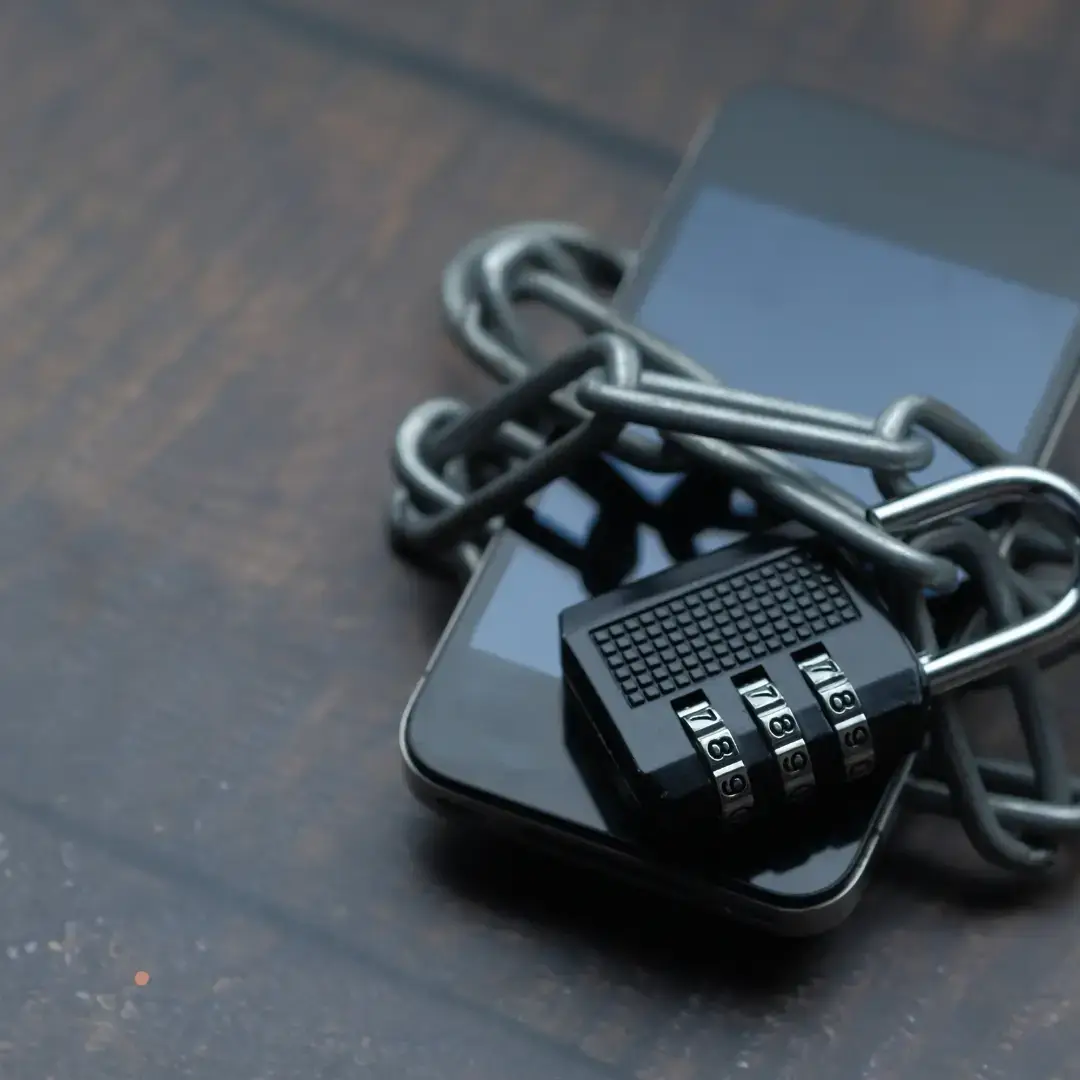
Cybersecurity is a major issue for companies in 2025. With cyber-attacks on the increase, it is crucial to implement effective protection on all workstations. A high-performance antivirus alone is not enough; it must be accompanied by best practices to guarantee optimal security. In this article, we explore the best strategies for strengthening the protection of your IT equipment. 1: Choose a professional antivirus solution tailored to your business Free antivirus software may offer basic protection, but it is often inadequate in the face of advanced threats. Opt for a professional solution that offers: Real-time protection against malware Behavioral analysis to detect unknown threats Automatic updates to counter new vulnerabilities Centralized management to control all workstations from a dashboard 2. Regularly update your software and antivirus An obsolete antivirus is ineffective against new attacks. To guarantee optimum protection: Enable automatic antivirus updates Make sure all your software and operating systems are up to date Check regularly for security patches from software vendors 3. Make your staff aware of cyber risks A high-performance antivirus is no match for human error. Employee training is essential: Teach them to recognize phishing e-mails Make them aware of the importance of complex passwords Encourage them to avoid downloading unverified software 4. Set up a strict security policy Define clear rules to guarantee cybersecurity within your company: Ban on installing unapproved software Restricted access to sensitive data Mandatory use of a VPN for remote connections Regular verification of user access rights 5. Complement antivirus with other security solutions Antivirus alone is not enough. It must be backed up by : A firewall to filter out malicious connections An anti-ransomware solution to block encryption attacks An EDR (Endpoint Detection & Response) solution for advanced monitoring An automatic backup system to prevent data loss Conclusion Securing all your company's workstations requires a combination of technologies and best practices. Effective antivirus protection, regular updates, staff awareness and a strict cyber-security policy are essential to avoid cyber-attacks. Would you like to strengthen your company's IT security? Webiphi can support you with solutions tailored to your needs. Contact us now for a free cybersecurity audit!
Business Continuity Planning (BCP): A complete guide for Belgian SMEs in 2026
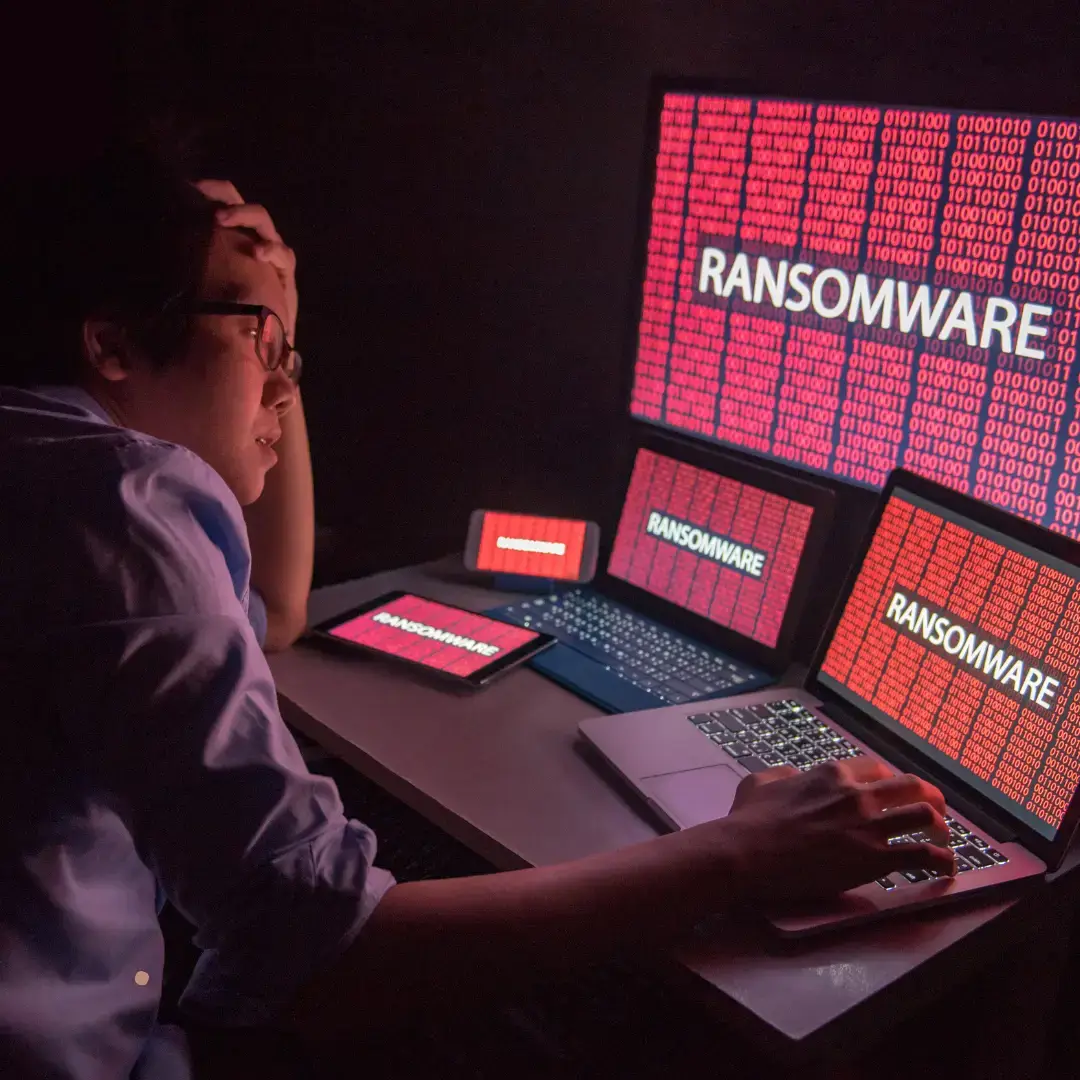
Disaster recovery planning: the WEBIPHI method for Belgian SMEs. Backup, RTO/RPO, NIS2, training and testing. The 2026 practical guide to ensuring business continuity.
Linux or Windows server: making the right choice for your business
1️⃣ Introduction Choosing a server is a strategic decision for any company wishing to host its website, manage its databases or deploy applications. Linux and Windows are the two main options, but each system has its advantages and disadvantages. If you're an SME in Belgium, you may be wondering which server to choose to ensure security, performance and stability. Here's a detailed guide to help you make the best decision for your business. 2️⃣ Linux vs Windows: what are the main differences? Before making a choice, it's important to understand the specifics of each system. 1. cost and licensing Linux: Open-source and free (no licensing fees) Lower long-term maintenance costs Windows: Requires purchase of a Microsoft license Higher cost, especially for large infrastructures 2. Stability and performance Linux: Lighter and more stable Recommended for servers requiring 24/7 availability Less sensitive to crashes and slowdowns Windows: More demanding in terms of system resources Requires frequent updates that can lead to restarts 3. Security and data protection Linux: Less vulnerable to cyber-attacks and viruses Open-source community reactive to security flaws Windows: More targeted by cyber-attacks (ransomware, phishing, etc.) Requires professional antivirus software and rigorous update management 4. Compatibility with Windows software and applications: Compatible with Microsoft software (SQL Server, .NET, Active Directory, etc.) Ideal for companies using Office 365 and SharePoint Linux: Compatible with Apache, MySQL, PHP, Python, etc. Recommended for websites based on WordPress, Drupal or Magento 3️⃣ Which server should you choose for your business in Belgium? The choice depends on your specific needs and budget. You should choose a Linux server if... You manage a website based on WordPress, Joomla or Prestashop You want to reduce your hosting costs You need a stable, high-performance and highly secure server Your company uses open-source technologies You should choose a Windows server if... Your company uses Microsoft solutions like SQL Server or .NET You need a user-friendly graphical interface You want compatibility with Microsoft tools and Active Directory Your IT team is more comfortable with Windows 4️⃣ What impact will this have on your company's IT management? Once you've chosen a server, it's essential to manage your infrastructure properly to guarantee security and performance. Outsourcing your server management: an effective solution Entrusting your server management to an IT service provider means you benefit from : 24/7 support in the event of technical problems Automatic updates and enhanced security Optimized performance and reduced costs 5️⃣ Conclusion Linux or Windows? The right choice depends on your needs, your budget and the tools you use. Need help choosing your server? Contact Webiphi, your IT expert in Belgium, and get the right solution for your business!
How can you optimize your emailing to reduce churn?
Email marketing remains one of the most effective channels for building customer loyalty and increasing sales. However, a high churn rate can undermine the effectiveness of your campaigns and reduce your audience. So how can you prevent your subscribers from leaving your list? Here are the best practices for optimizing your emailing and reducing churn. 1: Understand the causes of unsubscribing Before looking to optimize your emailing strategy, it's essential to understand why your subscribers are unsubscribing. Too many emails sent Irrelevant or non-personalized content Unattractive design or illegible on mobile Email subject lines too aggressive or misleading ️ Lack of clear option to manage email frequency An analysis of returns and click-through rates can help you identify the weak points in your campaigns. 2. Segment your audience to send targeted emails Effective emailing relies on good segmentation of your audience. How do you segment your subscribers? By age, gender, location By purchasing behavior By level of engagement (active customers, inactive customers, new subscribers) By areas of interest Sending the right message to the right person helps reduce churn. 3. The subject line is the first thing your audience sees. It must be attractive and enticing. Best practices for an effective subject line ️ Short and punchy (50 characters max)️ Personalized with the recipient's first name️ Avoid spam words («Free», «Urgent», «Click here»)️ Test several subject lines (A/B Testing) The preheader (content preview) should complement the subject line and make people want to open the email. 4. Personalize your emails to engage your subscribers Generic emails have little impact on subscribers. Personalization improves engagement. Personalization tips Add the recipient's first name Recommend products based on purchase history Send exclusive offers to loyal customers Tailor content to stated preferences A personalized email can increase the open rate by 26 %! 5. Offer a better user experience (UX design and readability) A busy design or a poorly optimized email can encourage subscribers to unsubscribe. UX best practices ️ Responsive design (readable on mobile and desktop)️ Airy content with short paragraphs️ A clear call to action (visible and engaging CTA)️ Attractive design with optimized images A well-designed email improves the experience and reduces the risk of unsubscribing. 6. Optimize your email frequency Sending too many emails tires your subscribers Not sending enough emails loses interest What frequency should you adopt? Newsletter: 1 to 2 times a month Promotions: 1 to 3 times a month Transactional emails (orders, confirmations): on demand Suggest an option to manage email frequency instead of total unsubscription. 7. Add a clear and transparent unsubscribe option If a subscriber wants to unsubscribe, don't make the process complicated. Best practices ️ An unsubscribe link visible at the bottom of the email️ An option to change the frequency of sending️ A quick survey to understand the reasons for leaving A smooth process improves your brand image and reduces frustration. Conclusion: build subscriber loyalty with optimized emailing! To reduce churn, you need to offer your subscribers a quality experience with relevant, personalized and well-targeted content. Analyze the reasons for churn Segment and personalize your emails Take care of the subject line and user experience Test and adjust your sending frequency Offer a preference management option Need a high-performance emailing strategy? Contact Webiphi to optimize your campaigns and build subscriber loyalty!
The next-generation firewall: a major cybersecurity asset for SMEs
Small and medium-sized enterprises (SMEs) are increasingly the target of cyber-attacks, often perceived as vulnerable by hackers. In the face of these growing threats, a Next-Generation Firewall (NGFW) has become an indispensable tool for effectively protecting corporate networks. Find out why and how to integrate this solution into your cybersecurity strategy. 1. What is a Next-Generation Firewall? Unlike traditional firewalls, which simply filter incoming and outgoing network traffic, NGFWs incorporate advanced features for enhanced protection: Deep Packet Inspection (DPI) Intrusion detection and prevention (IDS/IPS) URL and application filtering Real-time threat analysis with artificial intelligence Protection against malware and ransomware A Next-Generation Firewall acts as a truly intelligent shield for your business! 2. Why are SMEs vulnerable to cyber attacks? Some alarming figures: 43 % of cyberattacks target SMEs. 60 % of SMEs that fall victim to an attack close down within six months. 95 % of security breaches are due to human error or inadequately protected systems. SMEs often lack cybersecurity resources and knowledge, which exposes them to a variety of risks: Theft of customer data Ransomware attacks Phishing and phishing Intrusions on the internal network A next-generation firewall protects your business against these threats by anticipating attacks! 3. The benefits of a next-generation firewall for your SME Advanced protection against cyberattacks An NGFW monitors and blocks all cyberattack attempts in real time, adapting to new threats thanks to artificial intelligence. Access control and content filtering You can restrict access to dangerous or inappropriate sites, and limit the use of certain non-secure applications. Secure remote connections (integrated VPN) With telecommuting on the rise, an NGFW firewall integrates secure VPN solutions to protect your employees' remote connections. Compliance with RGPD regulations and cybersecurity A high-performance firewall helps your company comply with data protection standards and avoid RGPD-related penalties. Centralized management and ease of use Even for an SME without a dedicated IT team, an NGFW offers an intuitive interface to easily monitor and manage network security. 4. How to choose the right next-generation firewall? To select the right NGFW firewall for your SME, here are the essential criteria to consider: Capacity and performance (adapted to your company's size) Protection against advanced threats (ransomware, phishing, etc.) Compatibility with your existing infrastructures Ease of administration and technical support Budget and operating costs Need advice? Webiphi can help you choose and install the ideal NGFW firewall for your business! 5. Why call in a cybersecurity expert? The installation of a new-generation firewall must be accompanied by a comprehensive cybersecurity strategy, including : A risk and vulnerability assessment Optimal, customized configuration Regular maintenance and monitoring Raising employee awareness of cyber threats Webiphi can help you secure your SME in Belgium and Switzerland! Conclusion: Protect your SME with an NGFW firewall! In 2025, no company, not even an SME, can do without a next-generation firewall. This advanced solution enables you to : Block cyberattacks in real time Secure connections and data exchanges Improve RGPD compliance Easily manage network security Don't take risks! Contact Webiphi today to protect your business with a high-performance NGFW firewall.
How can you secure your web applications in the face of new cyberthreats?
Cyber-attacks on web applications are on the increase, putting company and user data at risk. With the rapid evolution of techniques used by hackers, it's crucial to strengthen web application security to avoid intrusions, data theft and service interruptions. In this article, we'll take a look at the new cyberthreats and how to effectively secure your web applications. 1. New cyberthreats targeting web applications With advances in technology, cybercriminals are developing ever more sophisticated attacks. Here are some of the major threats in 2025: SQL injection attacks Hackers insert malicious code into a form or URL to access databases. Objective: steal or modify sensitive information. XSS (Cross-Site Scripting) attacks Injection of malicious scripts to hijack user sessions. Can be used to steal cookies or infect visitors with malware. Ransomware and malware Infection of a web application via security holes in plugins or extensions. The aim is to encrypt data and demand a ransom for its recovery. DDoS attacks (Distributed Denial of Service) Hackers overload a server with massive traffic to make the site unavailable. Impact: loss of sales and damage to reputation. Session Hijacking Hackers steal users' session credentials to gain unauthorized access to their accounts. These threats require advanced security strategies to effectively protect your web application. 2. Best practices for securing your web applications Here are the essential measures for strengthening your web application security in 2025: 1. Use a Web Application Firewall (WAF) Filter malicious requests and block XSS, SQLi and DDoS attacks. Examples: Cloudflare, AWS WAF, Imperva. 2. Encrypt data with SSL/TLS Activate an SSL certificate to encrypt communications between browser and server. Check that your site uses HTTPS instead of HTTP. ️ 3. Update your software and plugins regularly Updates correct security loopholes exploited by hackers. Remove unnecessary extensions to reduce risks. 4. Activate multi-factor authentication (MFA) to protect administrator accounts. Implement strict management of roles and permissions. 5. Protect your database against SQL injections Use parameterized queries to prevent SQL injections. Limit database privileges to strictly necessary users. 6. Protect against DDoS attacks Configure anti-DDoS services such as Cloudflare or Akamai. Set up real-time monitoring to detect any suspicious activity. 7. Perform regular security tests Perform penetration tests (pentests) to identify and correct vulnerabilities. Use tools such as OWASP ZAP, Burp Suite or Nessus. 8. Implement a backup and recovery plan Make automatic backups and store them on a secure external server. Regularly test restoration of backups to avoid data loss. 3. Recommended tools for securing your web applications Cloudflare Advanced WAF protection against XSS, SQLi and DDoS attacks. Bitdefender GravityZone Secures your servers and applications against malware and ransomware. OWASP ZAP Scans and detects vulnerabilities on your website. Let's Encrypt SSL Provides a free SSL/TLS certificate to secure your connections. Google reCAPTCHA Prevents bot attacks and protects forms against spam. 4. Why outsource your web application security? Outsourcing your application security to cybersecurity experts can save you time and guarantee optimum protection. Continuous monitoring and automatic updates Reduced costs associated with cyber-attacks Compliance with international security standards (ISO 27001, GDPR, LPD Suisse) Webiphi can help you strengthen the security of your web applications and prevent cyber-attacks. Conclusion: Secure your web application today With cyber threats on the rise, it's essential to take a proactive approach to protecting your web applications and your users' data. Remember : Activate an application firewall (WAF) to filter out malicious requests. Encrypt data with an SSL/TLS certificate. Carry out regular updates to avoid security breaches. Implement a backup plan and real-time monitoring. Need a security audit? Contact Webiphi, your cybersecurity partner, to strengthen the protection of your web applications.
Server virtualization: optimize your IT infrastructure in total security
Today, server virtualization is an essential pillar of modern IT infrastructure management. Faced with increasing demands for storage, computing power and security, Belgian companies are having to rethink the way they manage their digital resources. Thanks to virtualization, you can pool the power of several physical machines, reduce your hardware and energy costs, while gaining in flexibility, security and resilience. By adopting this technology, you can optimize performance, simplify IT management and strengthen business continuity. In this article, we find out why virtualization has become essential, and how Webiphi is helping companies in Belgium to transform their IT infrastructure. 1. What is server virtualization? Virtualization involves using software called a hypervisor to divide a physical server into several virtual machines (VMs). Each VM runs as an independent server, with its own operating system and applications, while sharing the hardware resources of the main server. Examples of popular hypervisors: VMware vSphere, Microsoft Hyper-V, Proxmox, Citrix XenServer. This technology enables : To find out more, see our page dedicated to secure cloud solutions for businesses. 2. The benefits of virtualization for businesses Optimization of IT resources Cost reduction Discover our approach to web hosting in Belgium to understand how Webiphi manages its technical environments in a high-performance, secure way. Improved performance and flexibility Security and disaster recovery These benefits are further enhanced when combined with a comprehensive cybersecurity and IT maintenance strategy for SMEs in Belgium. 3. Virtualization and cloud computing: a winning combination Virtualization is the foundation of cloud computing. It enables companies to create hybrid environments combining physical servers and cloud solutions, for greater flexibility and resilience. Virtualization is often the first step towards cloud migration. To go further, explore our Web Development section where we integrate hosting, cloud server and data management solutions in a unified approach. 4. How do I set up a virtualization solution? Setting up a high-performance virtual infrastructure requires the support of experts in server management and cybersecurity. Here are the key steps: At Webiphi, we support Belgian companies at every stage of their virtualization project, from planning to ongoing maintenance. To reinforce the reliability of your system, read our article on disaster recovery and service continuity. Conclusion: virtualization, a strategic lever for businesses Investing in server virtualization means: Webiphi helps SMEs and large enterprises modernize their IT infrastructure while guaranteeing security, performance and compliance. Would you like to virtualize your servers or improve the resilience of your system? Request a free technical audit to assess your current infrastructure and discover our tailor-made IT management and cybersecurity solutions.
The importance of IT maintenance in preventing cyber-attacks
IT maintenance is essential to protect businesses against cyber-attacks, which are on the increase and increasingly targeting SMEs and companies in Belgium. A poorly maintained IT system is an open door to malware, ransomware and data theft, jeopardizing the confidentiality of sensitive information and business continuity. A single security flaw can lead to significant financial losses, damage to a company's reputation and result in legal penalties for non-compliance with regulations. IT maintenance plays a key role in preventing cyber-attacks by ensuring optimum protection against digital threats. It includes regular software updates, system monitoring, firewall and antivirus management, as well as employee training in good cybersecurity practices. Rigorous monitoring enables vulnerabilities to be identified and corrected before they are exploited by cybercriminals. Find out why IT maintenance is essential to securing your business and guaranteeing a reliable, high-performance infrastructure in the face of new threats. 1. Why are companies vulnerable to cyber attacks? Cybercriminals target poorly protected businessesHackers exploit security loopholes, often due to outdated software, insecure configurations or a lack of updates. A cyber attack can be costlyA hack can result in data loss, service disruption and high recovery costs. Not to mention damage to the company's reputation. Telecommuting and remote access increase risksInsecure connections and personal devices used for work are easy targets for cybercriminals. 2. Key elements of good IT maintenance Regular software and system updatesAn up-to-date system is less vulnerable to attack. IT maintenance includes the application of security patches to close the loopholes exploited by hackers. Installing and updating antivirus and firewall softwareSolutions like Bitdefender offer advanced protection against malware, ransomware and intrusions. A well-configured firewall blocks suspicious connections. Frequent data backupsAn effective backup plan means that files can be restored quickly in the event of a cyber-attack. A combination of local and cloud backups is ideal. Secure access and password managementThe use of multi-factor authentication (MFA) and a password manager reduces the risk of identity theft. Security monitoring and auditingOngoing monitoring detects suspicious activity before it causes damage. Regular audits help identify and correct security flaws. 3. Concrete benefits of proactive IT maintenance Prevention of cyber-attacks: Reduced risk of hacking and data leakage. Reduced downtime: A well-maintained infrastructure works better and avoids unplanned interruptions. Compliance with security standards: Compliance with RGPD and data protection legal obligations. Improved productivity: A fast, secure system improves employee efficiency. 4. Why outsource IT maintenance? Expertise and responsiveness: A specialized agency offers advanced protection and rapid response to incidents. Save time and resources: No need for an in-house IT team, which reduces costs. 24/7 monitoring: Outsourced maintenance ensures continuous protection against threats. Conclusion: Protect your business now IT maintenance is a must for any company wishing to prevent cyber-attacks and secure its systems. Don't leave your business vulnerable! Contact Webiphi for a maintenance solution tailored to your needs and protect your data effectively.
Business email security: how to avoid phishing and spam
Business emails are a prime target for cybercriminals. Phishing, spam, malware attacks: the threats are numerous and can compromise your company's security. In Belgium, SMEs are increasingly exposed to attacks aimed at stealing sensitive information or infecting systems. To avoid these risks, it's essential to adopt good cybersecurity practices and use effective solutions to protect your communications. In this article, find out how to secure your business emails and avoid phishing and spam attacks. 1. What is phishing and why is it dangerous? Phishing is a fraud technique that consists in deceiving the user by sending a fraudulent email resembling an official message (from a bank, supplier, customer, etc.). The hacker's objective: To steal logins and passwords To retrieve banking data To install malware or ransomware To usurp a company's identity Example: An employee receives an email claiming to be from his banker, asking him to confirm his logins. By clicking on the link and entering his details, he allows hackers to access the company's account. Consequences for a company: Loss of sensitive data Financial fraud Damage to brand image 2. How to recognize a fraudulent e-mail? Signs of a phishing e-mail: Suspicious sender: e-mail address slightly different from the official one Spelling and grammatical errors: typical of fraudulent e-mails Urgency or threat: «Your account will be suspended in 24 hours» Suspicious link: shortened or strange URL (roll over to see the real destination) Suspicious attachment: ZIP file, EXE, PDF requesting activation of macros Good reflex: Never click on a suspicious link or attachment without checking the authenticity of the e-mail. 3. How can you protect your business e-mails? 1. Use an anti-phishing and anti-spam filter Professional solutions like Bitdefender GravityZone Email Security can analyze and block fraudulent e-mails before they reach your inbox. 2. Enable multi-factor authentication (2FA) Add double security with a temporary code sent to your phone to prevent credentials theft. 3. Implement email security protocols DKIM, SPF and DMARC to validate the authenticity of sent emails and prevent identity theft. 4. Raise your employees' awareness Organize cybersecurity training to learn how to detect and avoid threats. 5. Use a secure SMTP server Opt for a professional SMTP server with TLS encryption to guarantee the confidentiality of emails sent. 4. Email security: what to do in the event of a phishing attempt? If you receive a suspicious e-mail: Don't click on any links or open any attachments Report the e-mail to your IT department or service provider Delete the fraudulent e-mail immediately Change your passwords if you have clicked on a suspicious link Tip: Use a password manager to store and protect your credentials securely. 5. Conclusion: Protect your business against phishing and spam Summary of best practices:️ Activate an anti-phishing and anti-spam filter on your business emails️ Make your employees aware of cyber threats️ Always check the identity of senders before clicking on a link️ Secure your email server with DKIM, SPF and DMARC protocols️ Opt for an encrypted SMTP server and a suitable antivirus solution Need a complete solution to secure your business emails? Contact Webiphi, your cybersecurity expert in Belgium, and protect your business against cyberattacks!
Enterprise Antivirus: Comparison of the most effective solutions
Cybersecurity is a top priority for companies in Belgium and the Benelux countries. With cyber-attacks on the increase, it's vital to install a high-performance antivirus to protect your sensitive data, servers and workstations. But which of the many antivirus solutions available on the market should you choose? This comparison will help you find the antivirus best suited to your company's needs and budget. 1. Why is antivirus protection essential for your business? Cyber threats are becoming increasingly sophisticated. Here are the main reasons to install a professional antivirus: Protection against viruses, ransomware and malware Securing customer and internal data Preventing phishing and spyware attacks Compliance with RGPD and Belgian regulations Reducing the financial risks associated with cyberattacks Example: In 2024, several Belgian SMEs suffered ransomware attacks, resulting in critical data losses and business interruptions lasting several days. A robust antivirus could have prevented these attacks. 2. Criteria for choosing a professional antivirus solution Before opting for an antivirus solution, it is essential to evaluate several criteria: Level of protection: Real-time scanning, integrated firewall, protection against ransomware. Impact on performance: A good antivirus must be effective without slowing down workstations. Ease of management: Intuitive interface, centralized dashboard. Compatibility: Suitable for Windows, Mac, servers and mobile devices. Technical support: Fast, efficient assistance in the event of problems. 3. Comparison of the best antivirus solutions for businesses Here's a selection of the best-performing antivirus solutions for SMEs and large corporations: 1. Bitdefender GravityZone Business Security (⭐ Recommended) ️ Benefits: Advanced protection against Zero-Day threats and ransomware. Centralized interface to manage all devices. Reduced resource consumption. Disadvantages: Advanced configuration may require an IT expert. Pricing: Flexible subscription based on number of devices. Ideal for : SMEs and large corporations looking for a reliable, high-performance solution. 2 Kaspersky Endpoint Security for Business ️ Advantages: Very good threat detection rate. Enhanced protection against phishing and data theft. Disadvantages: Higher resource consumption than other solutions. Pricing: Annual subscription based on number of users. Ideal for : Companies looking for an antivirus recognized for its proactive protection. 3. ESET PROTECT Advanced ️ Benefits: Simple, intuitive interface. Fast detection of threats without slowing down machines. Disadvantages: Fewer advanced features compared to Bitdefender or Kaspersky. Price: Modular formula to suit your needs. Ideal for : SMEs looking for an effective, lightweight solution. 4. Norton Small Business ️ Advantages: Effective protection against malware and viruses. Easy to install and manage. Disadvantages: Less suitable for large IT infrastructures. Rate : Monthly or annual subscription. Ideal for: Small businesses with few devices to protect. 4. Why choose Bitdefender for your business in Belgium? Among the solutions compared, Bitdefender GravityZone Business Security stands out for its excellent protection and optimized performance. It offers: Advanced real-time threat detection. Centralized management to protect all your devices. Low resource consumption, ideal for SMEs. Excellent value for money, with responsive technical support. Webiphi is a Bitdefender partner, offering solutions tailored to Belgian companies to ensure maximum protection for their infrastructures. 5. Conclusion: Which antivirus should you choose for your business? The choice of antivirus depends on the size of your business, your cybersecurity needs and your budget. Comparison summary:️ Bitdefender GravityZone → Best choice for SMEs and large companies.️ Kaspersky Endpoint Security → Advanced protection but more resource-hungry.️ ESET PROTECT Advanced → Lightweight, high-performance solution.️ Norton Small Business → Simple and effective for small structures. Protect your business today! Contact Webiphi for an antivirus solution tailored to your needs and enjoy personalized support.
